
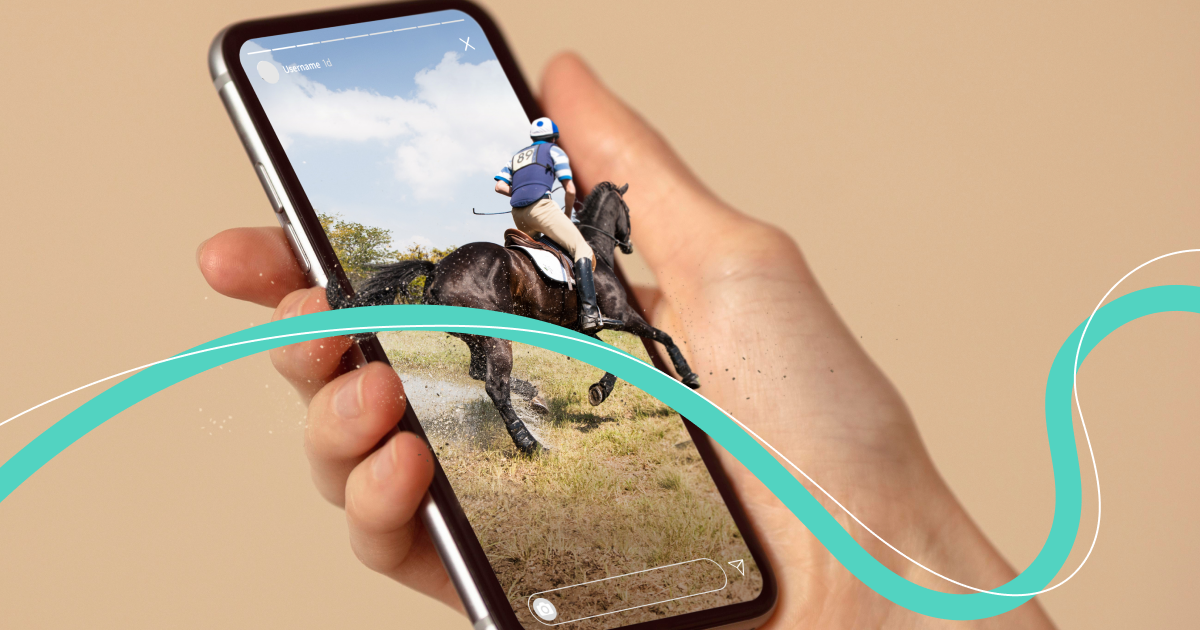

Stories on Instagram* are a distinct form of art. Short videos or a collection of photos allow you to convey important or interesting information to followers, share thoughts, increase reach, and enhance recognition. Is it possible to download stories from Instagram*? Of course! And we will share with you several ways to do this quickly and easily.
How to Download a Story from Your Phone
To download stories from your phone on Android, you can use applications specifically created for this purpose.
Story
This application can repost, download posts, and IGTV. Like any free app, Story saves videos with ads. To remove ads, you can make a one-time payment. And that's it! Download with pleasure!
The action algorithm is as follows:
- download Story on Google Play;
- log in to your Instagram* profile;
- find the desired user's profile;
- select the Story tab, or Post, IGTV if needed;
- click "Save." Note that by default, stories are saved in the Story Saver folder.
Insaver
Another app that allows you to download stories from Instagram*. You can save files without watermarks. However, there are ads in the app. You can turn them off by subscribing to the premium version.
The action algorithm to download a story is simple:
- download the app in Insaver on Google Play;
- copy the link to the desired story;
- launch the Insaver app;
- log in to your Instagram* account and paste the link in the top field;
- press the "Story" button and choose the desired story, then save it to your device.


How to Download Stories from a Computer
To download stories from Insta* using a computer, you can use free online services for downloading. Most of them are intuitive and simple.
Instasaved
A free service that allows you to download both stories and any photos or videos from Instagram* accounts.
To download an interesting story, first visit the Instasaved website, then enter the Instagram* profile name and click the "Download" button. Now all that's left is to choose the desired story and save it to your device.

Browser Extension
Another way to download stories is to use browser extensions. They are easy to find: go to your browser settings, find available extensions, and enable them.
How to Download Stories via Telegram Bot
Telegram bots also allow you to download the stories you need, as well as any media from Insta*. They generally work the same: you send the bot a link to the desired profile, and it downloads what you request in return.
Creoscanbot
Rightly considered the simplest and most convenient Telegram bot. You send a link in the required format (the bot will guide you), and then save all or one specific Story or Reels.

InstaSave
To download a story via this Telegram bot, you first need to enter it and press the Start button. Then provide a link to the account or name in the format @accountname and choose which stories to save. Stories are saved in the gallery as regular video files.


How to Download Your Story
Sometimes you need to save your own story from Instagram*. Typically, this doesn't require installing any apps or using Telegram bots.
To save your own Story from Instagram*, open the app, tap the icon with your stories, then tap the three dots in the bottom right corner. That's it! The story is saved in the phone gallery.

If you need an old story, go to settings in your profile, select "Archive," tap the desired story, then the three dots in the bottom right corner. That's it! The story is saved to your device.
Make a Screen Recording
The last way to save stories from Instagram* is simple: just make a screen recording.
Recording on iOS
To make a screen recording on iOS, go to settings, then to "Control Center," and here you need to tap "Customize Controls," then select the "Screen Recording" function.
Screen Recording on Android
Screen recording is available on Androids, but by default, this feature is disabled. It is enabled as follows:
- go to "Settings" and find "About Phone," tap "Build Number" several times in succession;
You enter developer mode.
- now in the "System" section, a new section should appear—"For Developers." Find "Experimental Features" in it and activate the settings_screenrecord_long_press value. Note, this function is not available on all phone models.

So, saving a story from Instagram* is very easy—you can use any available method. The main thing to remember: if you post someone else's story on external resources, always credit the original source.
* Instagram is recognized as an extremist network and banned in Russia





