Top.Mail.Ru
How to add a cover to a video when scheduling a post: a guide — Postmypost
How to add a cover to a video when scheduling a post: a guide

How to add a cover to a video when scheduling a post: a guide

09.04.2024

Read 3 min.
Education
Ekaterina Novikova

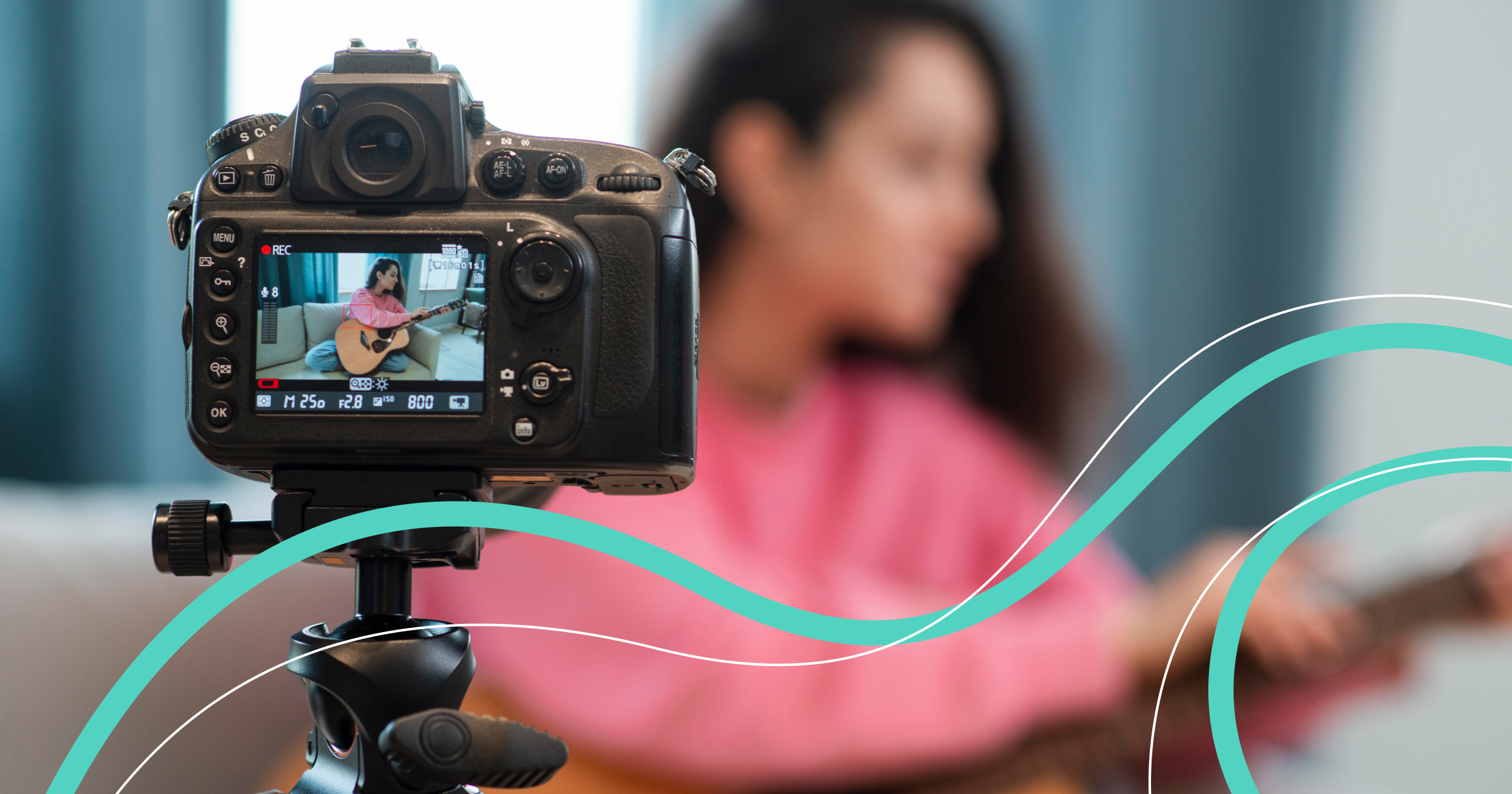
Imagine you open a social media feed and see two videos with the same content. But one has an attractive cover, while the other has a random blurry frame instead. Which video will attract attention? That's right, the first one. So let's figure out how to add a cover to a video when scheduling a post in Postmypost.

Why Add or Change a Cover for a Video

The more interesting and unusual the video's cover is, the more attention it will attract from viewers. It is by this bright cover that viewers will later search for or recognize your video. However, several important rules need to be remembered.

Firstly, the cover should reflect the content of the video and encourage the viewer to learn more. It can be a successful shot from the video itself or a photo, graphic element, illustration, or collage.

Secondly, if the cover corresponds to current trends or popular topics, it will increase the chances of your video going viral. In addition, the cover can affect the video's rating.

Thirdly, an attractive cover will certainly encourage subscribers to click play and watch the video. And that means the number of views will grow and new followers will appear.

How to Add a Cover to a Video

When scheduling a post in Postmypost, you can add or change the cover in the built-in editor. Here's what you need to do.

Step 1

In the unified editor window, select the accounts of the social networks where the post needs to be published.

Step 2

Click the paperclip to add a video.

Step 3

Click the pencil on the uploaded video to enter the editing window.

Group 237.png

Step 4

On the vertical panel on the left, select the video cover icon. You will be offered two options: upload or choose a cover. Click "Upload" if you want to select a photo from your gallery for the video cover. If you want to use a video frame for the cover, click "Play" and then stop the playback at the desired spot. After that, click the "Select" button.

Group 2790.png

Step 5

Click the "Save changes" button, then "Schedule." After that, you will return to the post editing window.

Group 279.png

Step 6

All that remains is to add a description to the video, then specify the post's publication time and click the "Publish" button if the post should be released right away or "Schedule" if you need to delay the publication slightly.

Now you know how to add or change the cover when planning a post. Experiment with different options, observe which covers your subscribers like more, use your brand's style or amaze followers with a variety of solutions. Let all your posts be bright and memorable!



Related articles

All posts
Let's accelerate the validation and collection of reports: workflow in Postmypost

Let's accelerate the validation and collection of reports: workflow in Postmypost

27.11.2025

Read 6 min.
Education

In working with the client, the most time is not spent on creating content, but on organizing the process. It is unclear who should check what, which...

Nikiforov Aleksandr
Accelerating the approval and collection of reports: workflows in Postmypost

Accelerating the approval and collection of reports: workflows in Postmypost

27.11.2025

Read 6 min.
Education

In working with clients, the most time is spent not on creating content, but on organizing the process. It's unclear who should check what, which post...

Nikiforov Aleksandr
How agencies can manage 10 and more clients and not get confused with tasks

How agencies can manage 10 and more clients and not get confused with tasks

07.11.2025

Read 3 min.
Education

Working in an SMM agency is like juggling: dozens of clients, hundreds of posts, thousands of messages from subscribers and colleagues. While one clie...

Nikiforov Aleksandr
Hundreds of comments a day: how to distribute and control response speed

Hundreds of comments a day: how to distribute and control response speed

16.10.2025

Read 4 min.
Education

Sometimes social media resembles a hotline during rush hour. New comments, questions, thank-yous, and sometimes complaints. One specialist simply can’...

Nikiforov Aleksandr
How to answer customer questions around the clock without increasing staff

How to answer customer questions around the clock without increasing staff

09.10.2025

Read 4 min.
Education

Clients expect the company to be available at all times: in the morning, evening, and even late at night. However, most teams simply do not have the r...

Nikiforov Aleksandr
24/7 in touch: how to set up automatic responses through AI in comments and messages?

24/7 in touch: how to set up automatic responses through AI in comments and messages?

20.06.2025

Read 7 min.
Education

Friends, a new tool has appeared in our service — workflow automation! This is a completely new level of working in social media. Now you can set up...

Nikiforov Aleksandr
All posts